
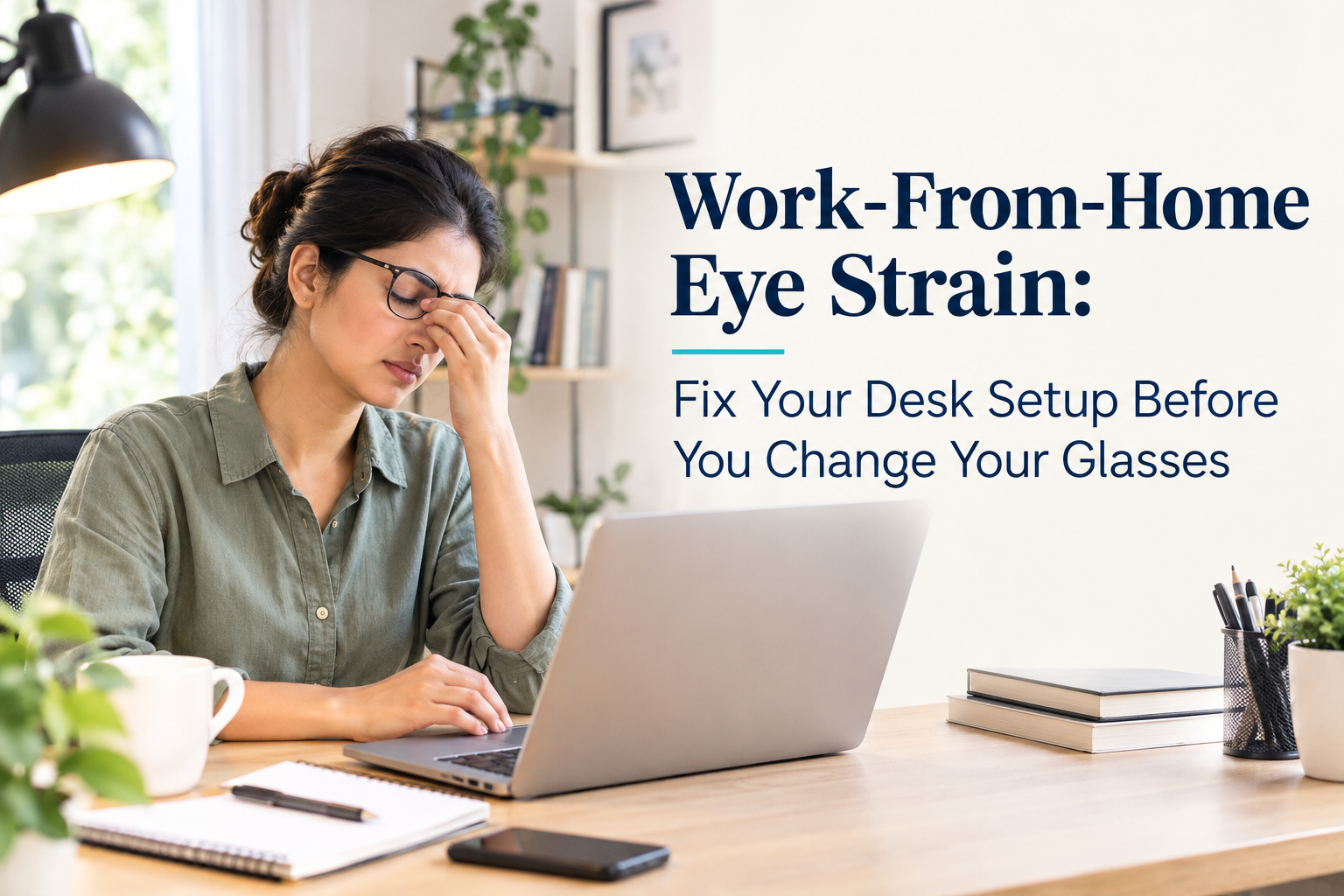
Work-From-Home Eye Strain: Fix Your Desk Setup Before You Change Your Glasses
Most people who work from home in East Delhi, Ghaziabad, and across NCR have set up their workspace once, wherever it was convenient, and have not thought critically about it since. A laptop on the dining table. A monitor that was wherever the delivery person left it. A chair that was already there. The lighting that existed before the room became an office. And then, gradually, the symptoms: eyes that ache by afternoon, a screen that seems to blur by 3 pm, headaches that used to be occasional and are now daily.
The default response is to book an eye appointment and ask for a new prescription or a pair of computer glasses. Sometimes this is correct. But a significant proportion of WFH-related eye strain has a simpler, cheaper, and more immediately addressable cause: the physical setup of the workspace is creating visual demands that no prescription change can fix.
A 41-year-old project manager from East Delhi came to Samyak Eye Care Clinic with exactly this presentation. She had updated her glasses twice in 18 months, both times hoping the new prescription would resolve her daily eye fatigue. Both times, the improvement lasted a few weeks and then the fatigue returned. Her prescription was accurate. Her binocular vision was normal. What was not normal was her workspace: her monitor was positioned 25 centimetres from her face, significantly closer than recommended. Her chair was too low, causing her to look upward at the screen. The room lighting behind her monitor was brighter than the screen itself, creating constant contrast adjustment for her visual system throughout the day.
Three adjustments to her desk setup. No new glasses. Her eye fatigue resolved within two weeks. As the Digital Vision Syndrome specialist at Samyak Eye Care Clinic, Vaishali, serving patients from East Delhi and across NCR, here is the evidence-based desk setup guide that I share with every WFH patient before we discuss any optical intervention.
Why WFH Eye Strain Is a Different Problem from Office Eye Strain
Office environments, whatever their limitations, typically have professionally fitted furniture, standardised monitor heights, and lighting designed for visual tasks. Workstations are usually at the correct height. Monitors are positioned by IT departments within generally acceptable ranges. Air conditioning is maintained to professional standards.
WFH environments in East Delhi and across urban India are typically none of these things. They are adapted domestic spaces with furniture not designed for sustained visual work, lighting designed for domestic activities rather than screen work, and setups that reflect where the laptop was placed on the first day of remote working and never reassessed. The result is sustained visual demand that accumulates over 8- to 10-hour working days without the corrective ergonomics that even a mediocre office environment provides.
Understanding Digital Vision Syndrome (DVS) is useful here. DVS is not a single condition but a cluster of symptoms produced by sustained visual work on screens: eye fatigue, dryness, headache, blurred near or distance vision, and neck or shoulder discomfort from postural strain. These symptoms have multiple causes, and the most common ones in WFH settings are the ergonomic causes that can be addressed without any clinical intervention.
The Six Desk Setup Factors That Cause Most WFH Eye Strain
1. Monitor distance: the most commonly wrong variable
The recommended working distance between the eyes and the monitor is 50 to 70 centimetres, approximately arm's length. Most people working on laptops at dining tables or kitchen counters are significantly closer than this. At 25 to 35 centimetres, the eyes are under substantially greater accommodation demand: the focusing muscles are working harder and more continuously to maintain clarity at this near distance than they would at the recommended working distance.
For laptop users, the screen is inherently close because the keyboard and screen are connected. The practical solution is to use an external keyboard and mouse, allowing the laptop screen to be pushed to the recommended 50 to 70 centimetre distance. This single change produces a significant reduction in accommodation demand and is the most commonly impactful adjustment I recommend to WFH patients.
2. Monitor height: looking up strains the neck and dries the eyes
The top of the monitor should be at or slightly below eye level. When the monitor is too low (common with laptops on desks or tables), the neck bends forward, creating postural strain that contributes to the headache and neck ache that WFH workers often attribute to screen time. When the monitor is too high, the eyes look upward, the eyelids open wider than normal, exposing more of the ocular surface and accelerating tear film evaporation. A monitor consistently too high is a common aggravating factor for dry eye symptoms in WFH workers.
3. Room lighting versus screen brightness: the contrast adjustment problem
The visual system continuously adjusts to the contrast between the screen and the surrounding environment. When room lighting behind or around the monitor is significantly brighter than the screen, the pupil is regulated for the brighter environment, reducing the effective brightness of the screen and making reading more effortful. When the room is significantly darker than the screen, the screen appears uncomfortably bright and causes pupil constriction that increases the depth of field demands on the visual system.
The evidence-based recommendation: room lighting should be approximately equal to or slightly less than screen brightness. Avoid sitting with a window directly behind the monitor, which creates a bright background that overwhelms the screen. Avoid working in a darkened room with only the screen as a light source. Indirect ambient lighting that brings the room to an equivalent brightness of the screen is the appropriate setup.
4. Screen brightness and contrast settings
Many people use screens at maximum brightness, particularly when ambient light in the room is high. Maximum brightness on a screen that is close to the face at a bright workspace produces significant visual fatigue. Screen brightness should be adjusted to match ambient lighting: reduce brightness in dim environments, increase it in bright ones. Contrast should be sufficient to read text clearly without strain. Most modern operating systems include accessibility settings that can automatically adjust screen brightness based on ambient light, which is worth enabling.
5. Blink rate and artificial tear use
Studies consistently show that blink rate decreases from the normal 15 to 20 blinks per minute to as few as 5 to 7 blinks per minute during concentrated screen work. Each blink refreshes the tear film that lubricates and protects the cornea. At 5 blinks per minute for 8 hours, the corneal surface is chronically under-lubricated, producing the end-of-day dryness, grittiness, and visual instability that many WFH workers describe.
Conscious blinking exercises (deliberately completing a full blink every few minutes), the 20-20-20 rule (looking at something 20 feet away for 20 seconds every 20 minutes), and preservative-free lubricating drops used 2 to 3 times during the working day are the practical interventions. For patients whose dryness persists despite these measures, formal dry eye management assessment is appropriate.
6. The uncorrected or inaccurate prescription
This is the one ergonomic adjustment that is not a desk adjustment: the prescription itself. An outdated prescription means the visual system is working harder than it needs to at every working distance. For people over 40, the near prescription may have changed even if the distance prescription has not. Reading glasses or progressive lenses that are not optimised for the specific screen working distance (typically between near reading distance and intermediate computer distance) can create a mismatch that produces sustained visual effort.
A comprehensive eye examination that includes assessment of near and intermediate vision at the patient's actual working distance is the appropriate starting point before any conclusion is drawn about whether a prescription change is needed.
The Order of Assessment: What to Fix First
The practical sequence I recommend to WFH patients with eye strain:
First: Implement the desk setup changes described above. Give them two weeks. Many patients find that these changes alone resolve or significantly reduce their symptoms.
Second: If symptoms persist after setup optimisation, book a comprehensive eye examination to verify the prescription is current and accurate for near and intermediate working distances, and to assess binocular vision function.
Third: If the prescription is accurate and binocular vision is normal, consider formal dry eye assessment. Many WFH patients have subclinical dry eye that is unmasked by the blinking reduction of sustained screen work.
Fourth: If convergence insufficiency or accommodative dysfunction is identified on binocular vision assessment, vision therapy is the appropriate treatment.
Reaching for a new prescription or computer glasses before implementing step one is addressing the third potential cause before the most common cause has been ruled out.
Frequently Asked Questions
Q: How do I stop eye strain while working from home?
A: Start with desk setup optimisation: monitor at arm's length (50 to 70 cm), top of screen at eye level, room lighting approximately equal to screen brightness, screen brightness matched to the room, and conscious blinking practice with the 20-20-20 rule. If symptoms persist after two weeks of setup correction, book a comprehensive eye examination to assess prescription accuracy and binocular vision.
Q: What is the correct monitor distance for the eyes?
A: 50 to 70 centimetres, approximately arm's length. For laptop users, this typically requires an external keyboard and mouse to allow the screen to be pushed back to the recommended distance. Working at 25 to 35 centimetres (common with laptop-on-table setups) significantly increases accommodation demand and is one of the most common causes of WFH-related eye fatigue.
Q: Does room lighting affect digital eye strain?
A: Yes, significantly. Room lighting that is much brighter than the screen, particularly from windows behind the monitor, forces the visual system to continuously adjust between the bright background and the screen. Room lighting approximately equal to screen brightness, with the monitor positioned so no bright window is visible behind it, produces the most comfortable visual working environment.
Q: Can computer vision syndrome cause permanent damage?
A: Digital Vision Syndrome does not cause permanent structural eye damage in most people. However, in children and myopic individuals, sustained near work is associated with myopia progression, which does have permanent implications. For adults, the symptoms of DVS are reversible with appropriate management. The concern is prolonged, unmanaged exposure that may aggravate pre-existing dry eye or contribute to myopia in susceptible younger users.
Q: Where can I get my WFH eye strain properly assessed near East Delhi?
A: Samyak Eye Care Clinic in Vaishali, Ghaziabad provides comprehensive Digital Vision Syndrome management including prescription assessment, binocular vision evaluation, and dry eye screening, easily accessible from East Delhi. Visit our clinic to book your assessment.
The Three Changes That Made the Difference
The project manager from East Delhi now works with her laptop screen at 60 centimetres, her chair adjusted so her eyes are level with the top of the screen, and the window beside her desk covered with a translucent blind that diffuses the direct sunlight that was previously creating a bright contrast behind her monitor. She has not needed a new prescription. She has not needed computer glasses. She needed a measuring tape and 20 minutes on a Sunday afternoon.
If your WFH eye strain has persisted despite a current prescription, the desk setup is the right place to start. If you have already optimised your setup and symptoms persist, visit our clinic at Samyak Eye Care, Vaishali, Ghaziabad, for a comprehensive assessment of what is actually causing your eye fatigue.
Book Your Digital Vision Syndrome Assessment Today
Dr. Shalini Jain | Samyak Eye Care Clinic | Vaishali, Ghaziabad
Call: 98999 60700


